Reimagining Ubuntu's Unity Desktop: A Modern Revival with Wayfire and Libadwaita
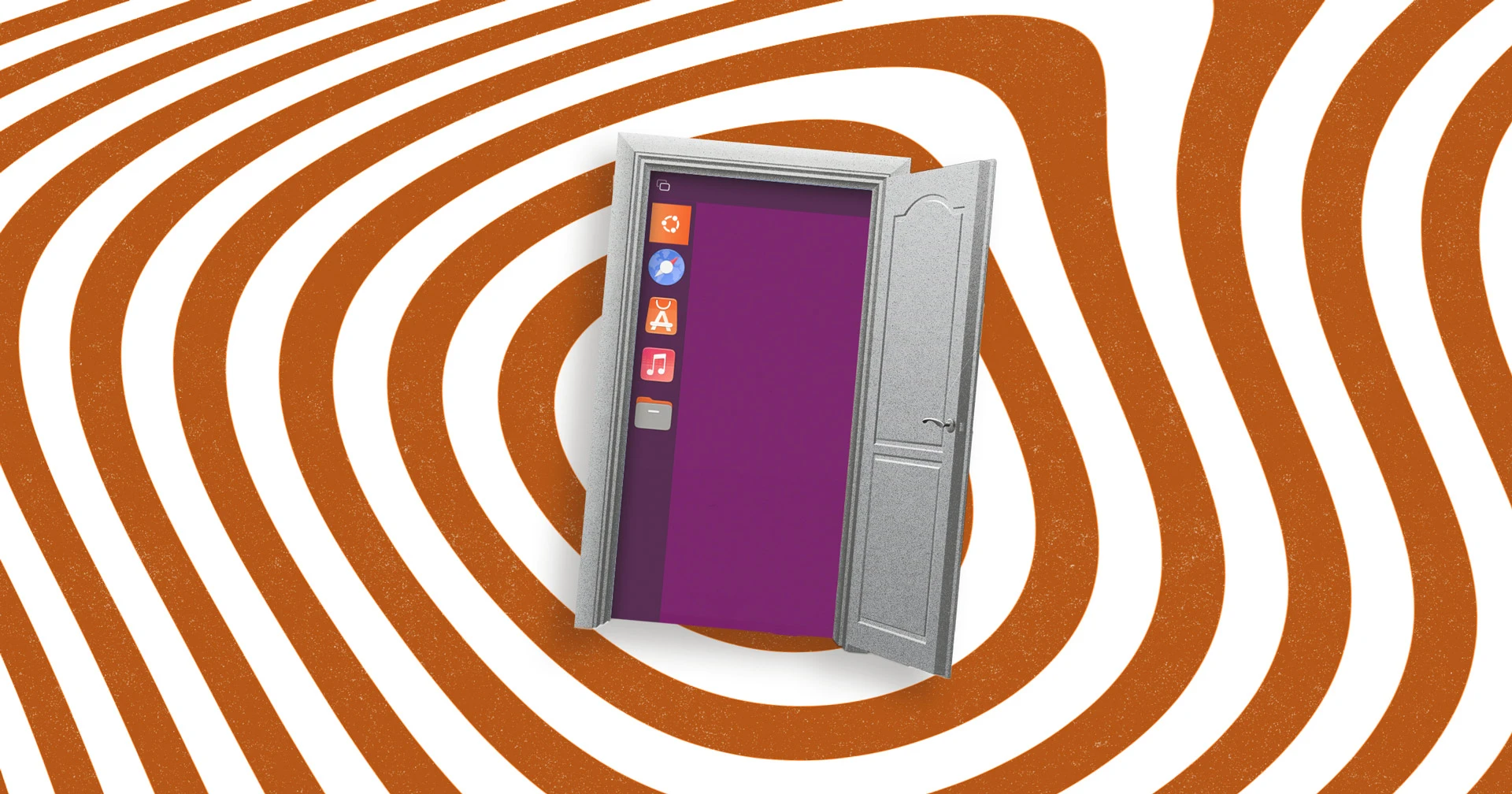
Imagine if Canonical had never shifted focus to its smartphone ambitions in the mid-2010s—Unity would likely still be Ubuntu's flagship desktop, albeit evolved. Thanks to community contributor Muqtxdir, we now have a glimpse of that alternate reality. Through an experimental rebuild using Wayfire, gtk4-layer-shell, and Libadwaita, he has resurrected the spirit of Unity in a modern, composited environment. Below, we answer key questions about this fascinating project.
What Was the Unity Desktop and Why Did Ubuntu Abandon It?
Unity was Ubuntu's custom desktop environment launched in 2011, featuring a unique launcher, global menu, and HUD. Canonical bet heavily on convergence across desktop and mobile. However, their smartphone detour drained resources and goodwill, leading to the controversial switch back to GNOME in 2017. This move was partly financial—Unity development required unsustainable investment for the desktop alone. The shift allowed Canonical to refocus, but many users mourned Unity's distinctive workflow and aesthetic.

Who Is Muqtxdir and What Has He Created?
Muqtxdir is an active Ubuntu community member who helps maintain the Yaru theme and contributes to Vanilla OS. He recently shared a video showcasing his prototype: a full Unity shell rebuilt from scratch using Wayfire (a Wayland compositor) and Libadwaita (GNOME's modern widget toolkit). The project reimagines the classic Unity interface—complete with launcher, indicators, and panel—as a Wayfire session. It's not a port but a ground-up reinterpretation that shows how Unity might have evolved had Canonical continued development.
What Technologies Power This Unity Revival?
The rebuild uses Wayfire as the compositor, offering GPU-accelerated, plugin-based window management. For the shell UI, it relies on gtk4-layer-shell to render panels and overlays as Wayland layers. The widgets are built with Libadwaita, bringing modern styling, adaptive layouts, and a cohesive look aligned with GNOME's current design language. This combination allows the Unity shell to run natively on Wayland, leveraging new display server features while preserving Unity's signature user experience.
How Does This Rebuild Differ from the Original Unity?
While visually reminiscent—left-side launcher, top panel, lens-like search—the underlying architecture is completely different. The original Unity was written in C++ and QML, tightly integrated with Compiz. Muqtxdir's version uses GTK4 and Libadwaita, making it more modular and maintainable. It also benefits from Wayland's security and performance improvements. The prototype lacks full functionality (e.g., HUD, global menu integration), but it successfully demonstrates Unity's core layout and interaction model in a modern wayland compositor.
Could This Project Lead to an Official Ubuntu Unity Spin?
While Canonical has no plans to resurrect Unity officially, the community has shown strong interest. Projects like Ubuntu Unity (a community flavor) already keep Unity 7 alive. Muqtxdir's experiment is purely a personal proof-of-concept, but it could inspire official or community-led efforts to create a polished Wayland-native Unity. The use of Libadwaita also means tighter integration with GNOME apps, potentially easing maintenance. For now, it remains an exciting glimpse of what could be—a Unity that never died, but evolved gracefully.
Where Can I See This Unity-in-Wayfire in Action?
Muqtxdir shared a video demonstration on social media, showcasing the desktop's core elements: the launcher, dash, and panel. The project source code is reportedly available on his Git repositories, though it's still early-stage and not ready for daily use. To try it yourself, you'd need to build Wayfire with custom plugins and install Libadwaita-based shell components. For most users, watching the video is the best way to experience this retro-futuristic Unity revival. Links to the video and code can be found in relevant Ubuntu community forums.
Related Discussions